editable_roles
Allows you to change the list of site user roles requested by get_editable_roles().
Usage
add_filter( 'editable_roles', 'wp_kama_editable_roles_filter' );

/**
 * Function for `editable_roles` filter-hook.
 *
 * @param array[] $all_roles Array of arrays containing role information.
 *
 * @return array[]
 */
function wp_kama_editable_roles_filter( $all_roles ){
	// filter...
	return $all_roles;
}
- $all_roles(array)
An array of arrays containing role information. The keys are role names (administrator, editor, and so on), and the values contain the displayed role name and its capabilities.
See editable_roles() for an example of the processed data.
Examples
#1 Exclude specific roles from the role list
Suppose several additional roles have been created:
add_role( 'project_expert',       'Expert'              );
add_role( 'project_moderator',    'Moderator'           );
add_role( 'project_tracker',      'Tracker'             );
add_role( 'project_tracker_fake', 'Tracker (unverified)' );
add_role( 'project_leader',       'Project lead'        );
This is a simplified role registration example that omits assigning capabilities to the roles. See add_role() for the correct way to create WordPress roles.
The following lists will now be displayed when working with users:
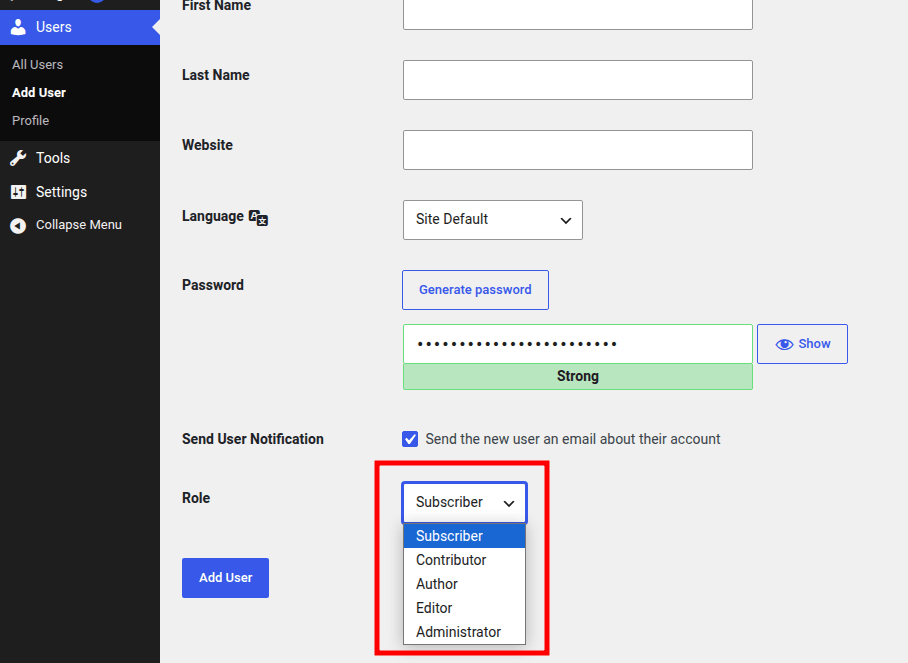
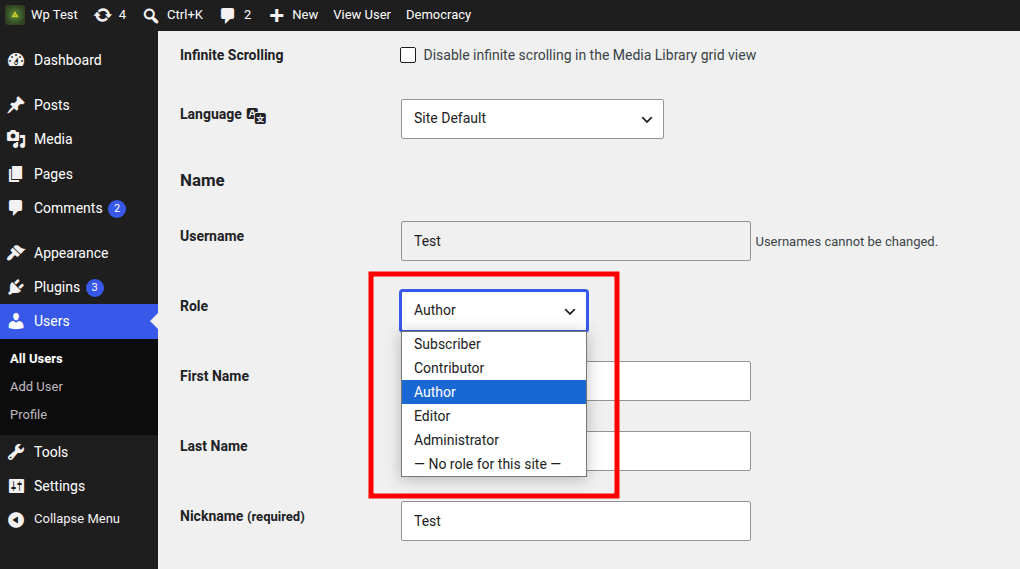
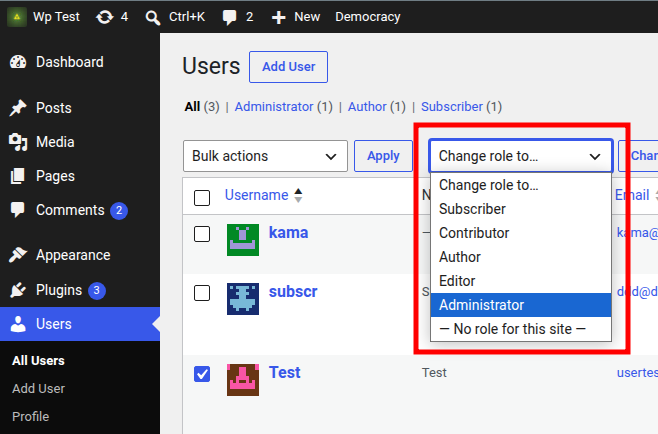
If this is a custom project and the default WordPress roles are not used, they only clutter these lists. Hide them:
add_filter( 'editable_roles', 'hide_unused_roles' );

function hide_unused_roles( $all_roles ) {
	unset( $all_roles['editor'] );
	unset( $all_roles['author'] );
	unset( $all_roles['contributor'] );
	unset( $all_roles['subscriber'] );

	return $all_roles;
}
This example only hides particular roles from the list. The roles themselves are unchanged, and other related functionality continues to work as before.
Changelog
| Since 2.8.0 | Introduced. |
Where the hook is called
$editable_roles = apply_filters( 'editable_roles', $all_roles );