Democracy Poll
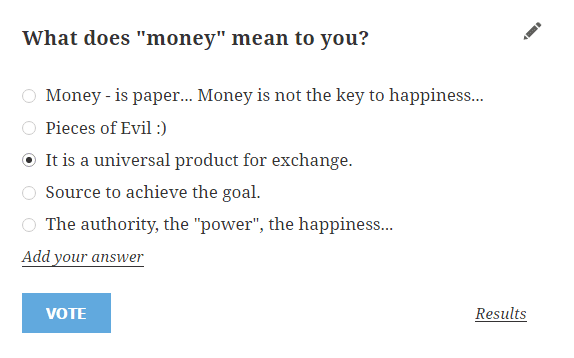
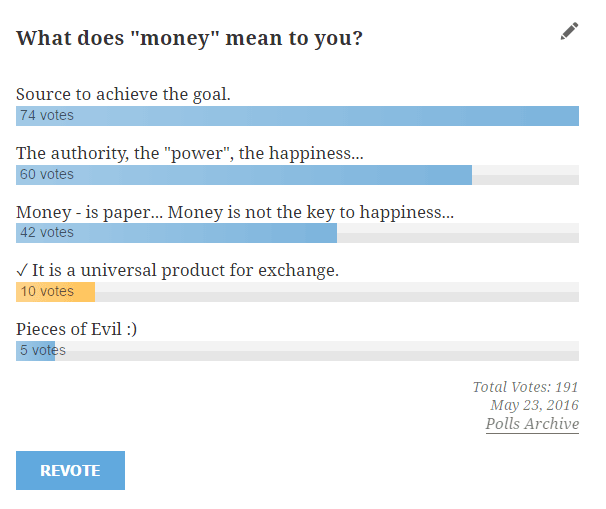
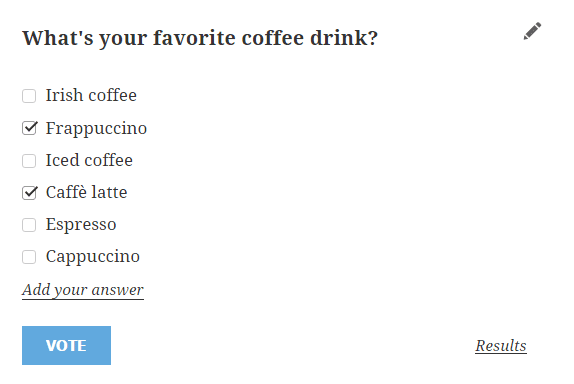
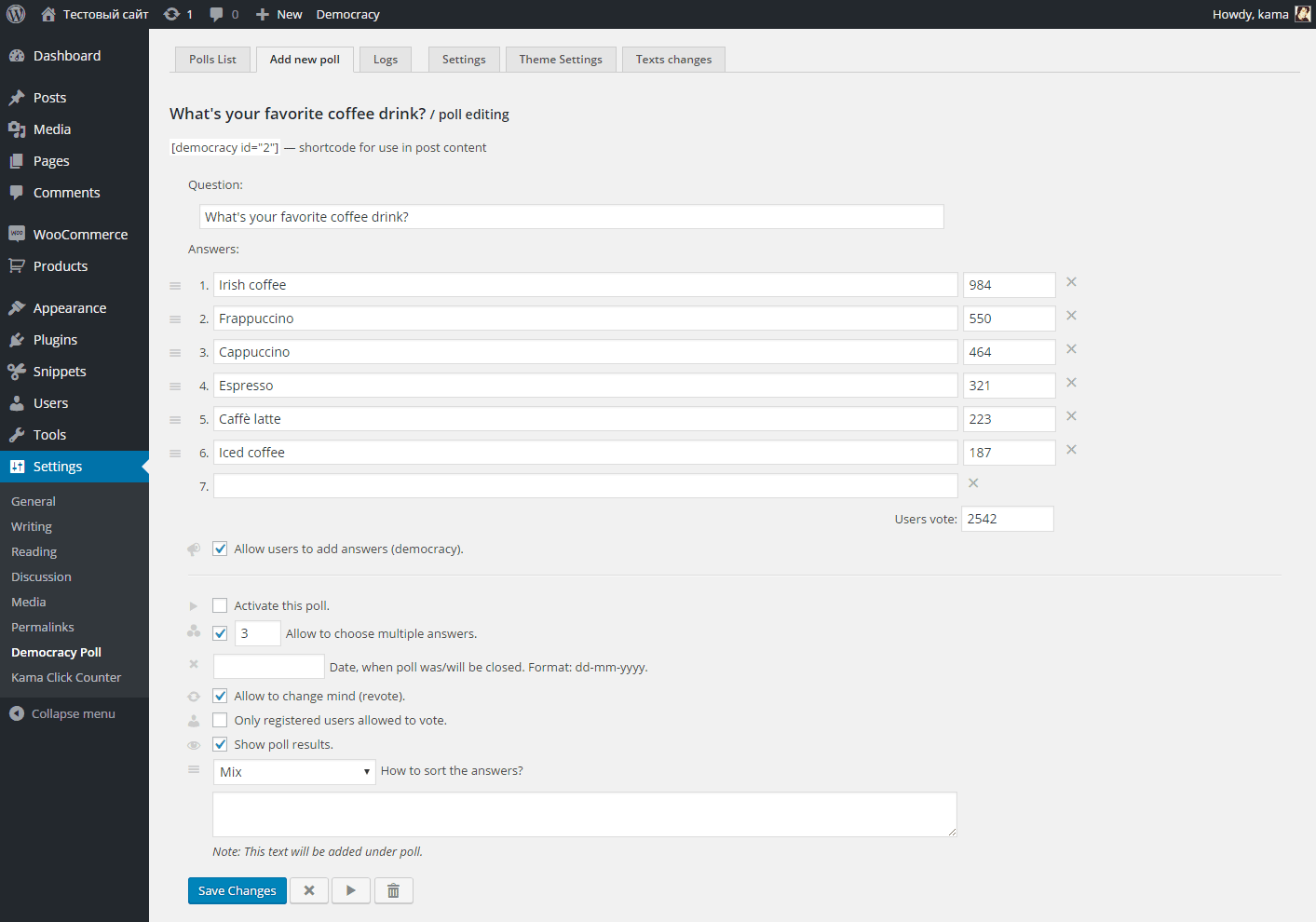
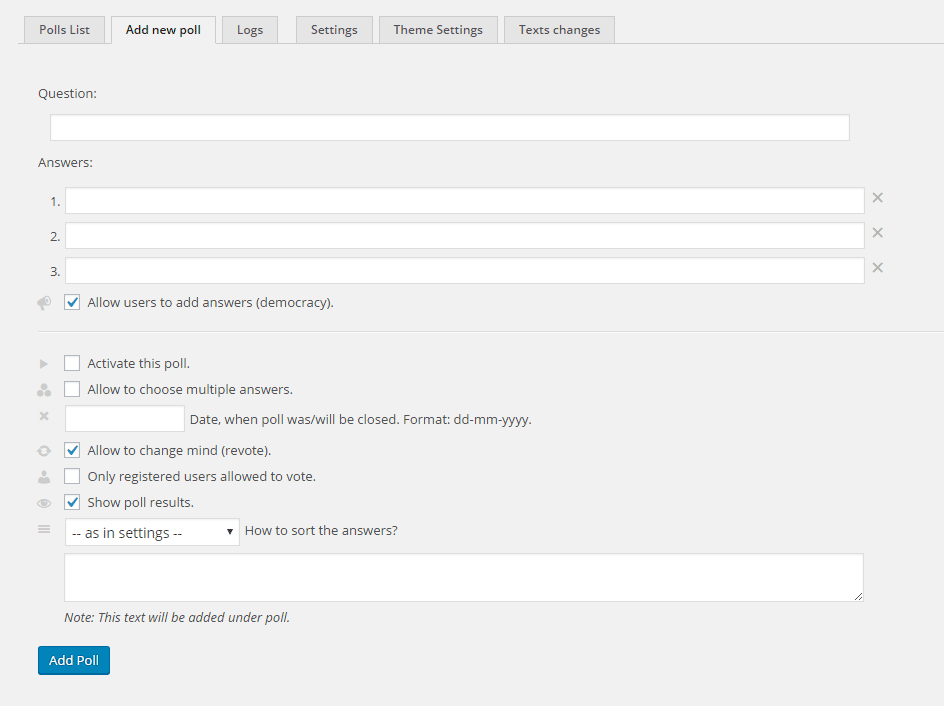
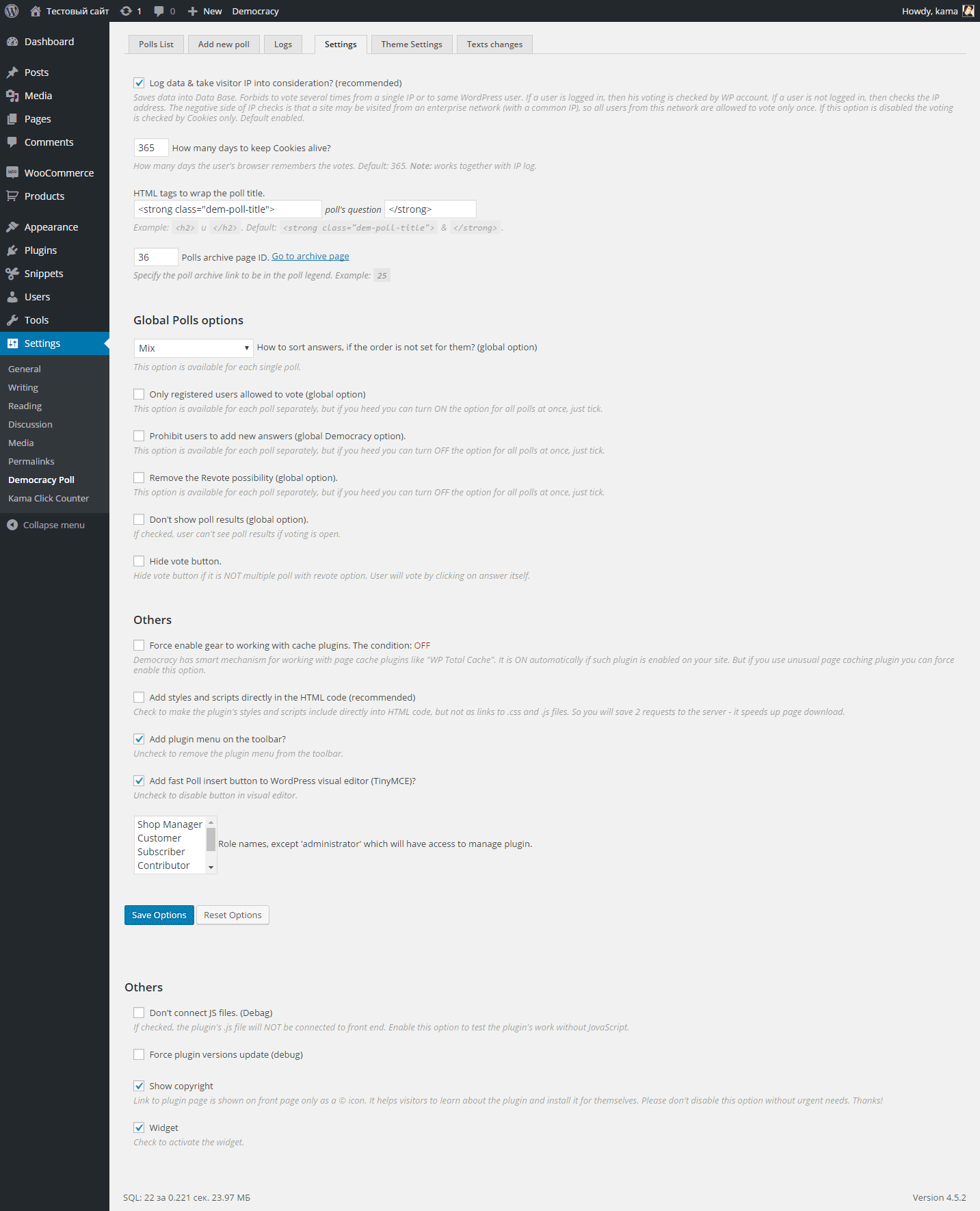
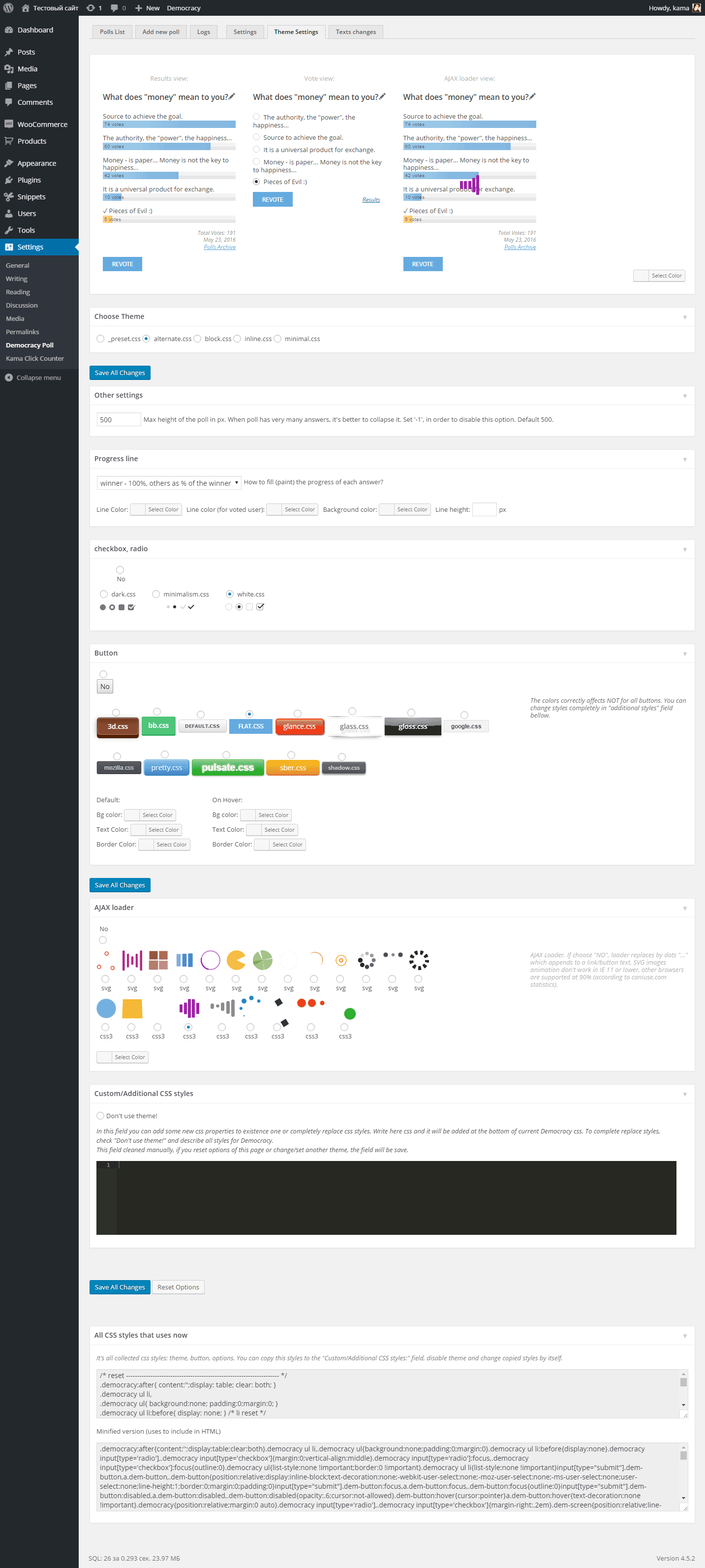
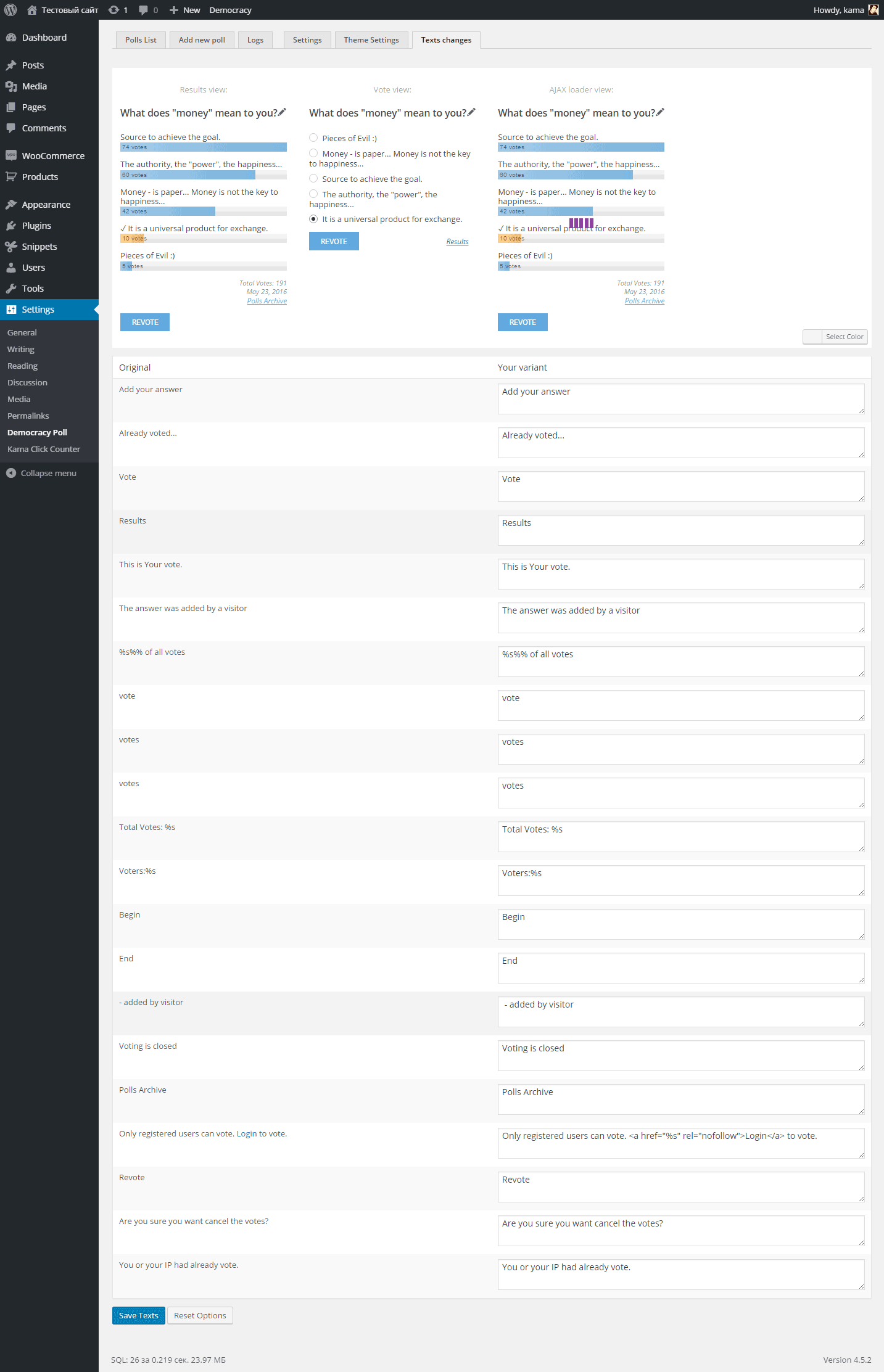
The plugin lets you create polls on your site, with the possibility for users to add answer options. One of the main features of the plugin is its ability to work with page caching plugins (e.g., WP Super Cache).
As for comparing this plugin with its counterparts. But regarding the well-known wp-polls, I’ll say this: both plugins are very similar; the functionality is for the most part the same. I was even surprised when I started comparing. But, in my opinion, this plugin is better because it’s more convenient; users can add their own answers; it works with cache. However, my plugin does not have such flexible poll template settings—there are 3 styling themes and the ability to add/append your own CSS styles. By changing the styles, you can completely change the look of the poll.
What the plugin can do
- Create polls.
- Work with page caching plugins without “killing” their functionality.
- Users can add their own answers (Democracy) (disabled).
- Multi-voting: users can select multiple answer options (disabled).
- Close a poll when the specified date ends.
- Show a random poll from several active ones.
- Close polls for non-registered users.
- Convenient editing of an individual poll: the edit button for administrators.
- Edit the vote count.
- The user can change their mind: the ability to vote again (disabled).
- Remember who voted by: IP, Cookie, WordPress profiles (for authorized users). The history can be cleared.
- Insert polls into posts: shortcode [demоcracy]. There is a button for this in the visual editor.
- Widget (disabled).
- Convenient poll editing: the plugin panel is moved to the WordPress Dashboard toolbar (disabled).
- Disable .css or .js files. Or embed them directly into HTML.
- Display a note under the poll: a short explanatory text for the poll, etc.
- Change the appearance of the poll: CSS themes.
- Russian interface. In the code everything is in Russian, but if needed, there is a translation to English.
As Idiot (Dostoevsky) used to say—“Talking is not good; it’s better to give an example”:
If you need any additional options, vote/add them at the end of this article, in the poll.
Usage
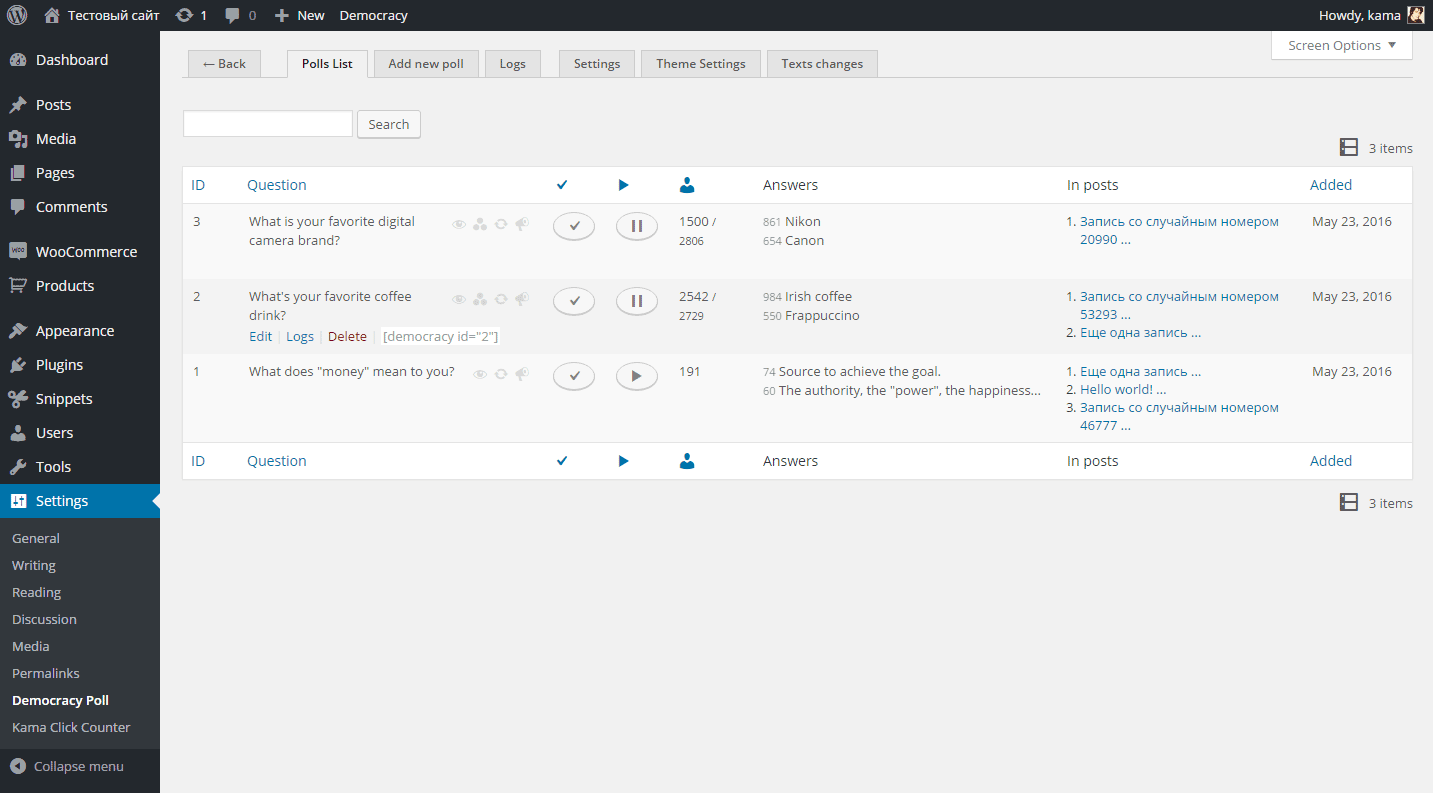
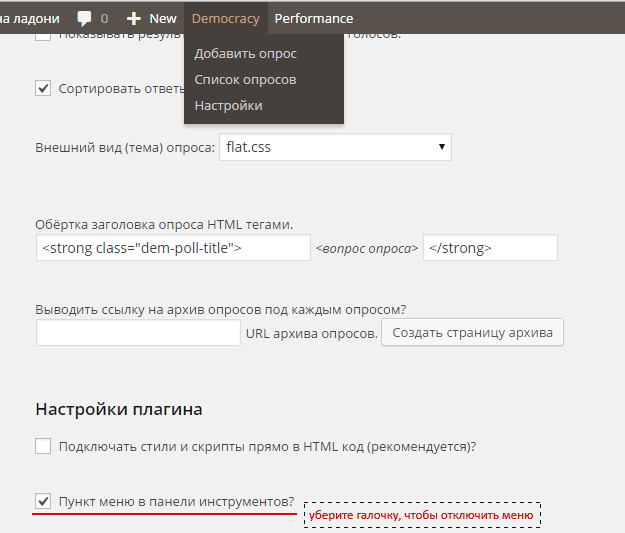
You can create polls and configure the plugin in the menu: Settings > Democracy Poll.Or via the WordPress Dashboard toolbar. The menu in the toolbar can be disabled in the settings:
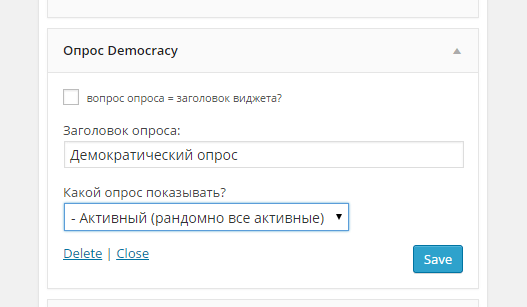
To insert a poll on the site, use the widget. If the widget is not needed and it interferes, it can be disabled in the settings.
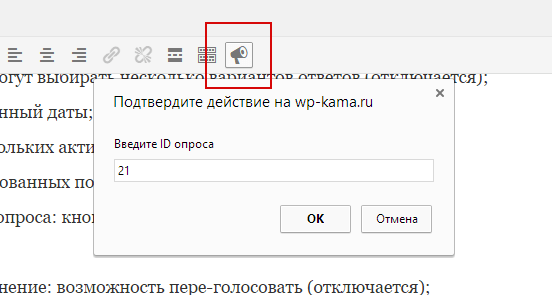
Also, polls can be inserted separately into posts—use the shortcode [ democracy id=""] for that. For convenient insertion of shortcodes, the plugin adds a button to the visual editor. The button can be disabled in the settings:
[democracy_archives] — shortcode
To display a polls archive, use the shortcode [democracy_archives] (remove the space at the beginning of the shortcode; it is there so this shortcode is not processed here). Usually you don’t need to create the archive separately—there is a special button on the settings page for this. It looks for an existing page; if it’s not found, it creates a new permanent page with the required shortcode.

Starting from version 5.5.6, in the shortcode [democracy_archives] you can pass parameters. For example, you can output all active polls like this:
[democracy_archives screen="vote" active="1" per_page="-1"]
The parameters that can be passed to the shortcode:
'before_title' => '',      // for single poll title
'after_title'  => '',      // for single poll title
'active'       => null,    // 1 (active), 0 (not active) or null (param not set).
'open'         => null,    // 1 (opened), 0 (closed) or null (param not set) polls.
'screen'       => 'voted', // vote, voted
'per_page'     => 10,      // limit. 0 or -1 - no limit
'add_from_posts' => true,  // add From posts: html block
PHP Plugin Functions
To output polls and the polls archive via code, the plugin includes special functions:
democracy_poll()
Outputs a single poll on the screen by the passed poll ID. If you don’t pass the ID, a random active poll will be displayed. To get the result of this function for processing, use get_democracy_poll().
get_democracy_poll( $poll_id = 0, $before_title = '', $after_title = '', $from_post = 0 )

// And a wrapper for it so it outputs immediately to the screen:
democracy_poll( $id = 0, $before_title = '', $after_title = '', $from_post = 0 )
#1. Get a poll with ID 25
Will output the poll with ID 25 and wrap the poll title in <div class="title"> and </div>
<?php democracy_poll( 25, '<div class="title">', '</div>'); ?>
democracy_archives()
Outputs a polls archive on the screen. The parameter $hide_active controls the display of active polls. If you set it to true, all active polls (that participate in rotation) will be removed from the output. To get the result of the function rather than outputting it to the screen, use get_democracy_archives().
get_democracy_archives( $args )

// And a wrapper for it so it outputs immediately to the screen:
democracy_archives( $args )
The values of $args:
$args = array(
	'before_title' => '',
	'after_title'  => '',
	'active'       => null,    // 1 (active), 0 (not active) or null (param not set).
	'open'         => null,    // 1 (opened), 0 (closed) or null (param not set) polls.
	'screen'       => 'voted',
	'per_page'     => 10,
	'add_from_posts' => true,    // add From posts: html block
);
#1. List of inactive polls
We will output a list of all inactive polls and wrap their titles in the <strong> tag:
democracy_archives([
	'active'       => true,
	'before_title' => '<strong>',
	'after_title'  => '</strong>'
);
get_dem_polls()
Gets a list of polls by the specified parameters.
$polls = get_dem_polls( [
	'wrap'           => '<div class="dem-polls">%s</div>', // html block wrap
	'before_title'   => '',      // for single poll title
	'after_title'    => '',      // for single poll title
	'screen'         => 'vote',  // vote, voted
	'active'         => null,    // 1 (active), 0 (not active) or null (param not set).
	'open'           => null,    // 1 (opened), 0 (closed) or null (param not set) polls.
	'add_from_posts' => false,    // add From posts: html block
	'return'         => 'html',  // html, objects
	'paged'          => 1,       // pagination page when 'limit' parameter is set
	'per_page'       => 0,       // limit. 0 - no limit
	'orderby'        => [],      // string|array - [ 'open' => 'ASC' ] | 'open' | 'rand'
] );
Using Hooks
One example of extending the plugin functionality using the available hooks is described in the question.
Deletion
To delete the plugin, you need to do it from the WordPress plugins panel so that, along with the files, it also deletes its data in the database.
You cannot delete the plugin folder via FTP (this applies to all WP plugins)! Since the plugin creates additional tables in the Database and saves settings. If you delete the plugin only by removing its folder from the plugins directory, the plugin will not clean up after itself.
Caching Plugins (WP Super Cache)
A few words about how Democracy works with caching plugins and why this matters.
I use Democracy on many sites. And on them, page caching (WP Super Cache) is often installed. However, after another update to Democracy, I realized that the poll doesn’t know how to work with cache.
What’s the problem? Let me explain with an example: a visitor opens a page of the site where a poll is displayed, and on that poll they have already voted—the page shows the poll results marked with that visitor’s votes, and this page gets saved in the cache. Next, another visitor comes to the same page, who has not voted, and sees the cached page where the voting results of the previous visitor are displayed—but the second visitor hasn’t voted yet. So it turns out that if you use caching on your site (and in WordPress it is often necessary), the poll simply doesn’t work!
I looked at the available poll plugins in the catalog, including the popular WP-Polls, and I didn’t find any plugin that would work with cache!
Of course, that didn’t suit me, and I started actively improving Democracy. So that it would be able to work with page caching plugins! I thought this would be simpler—much simpler than it turned out to be. There was a lot of work; lots of time was spent on testing.
Starting from version 4.5.6, Democracy works with cache!
I’ll also note that the cache logic can be organized in different ways. The simplest—and very bad—option is when the plugin adds a script that, when a cached page is loaded, sends an AJAX request that checks whether the user has voted and, if needed, replaces the poll data with the data received. With this approach, all the acceleration and load reduction that should work when caching is enabled goes down the drain. For example, the wp-postviews plugin works like this: the page is served from cache, practically with almost no load on the server, and then immediately an AJAX request loads the WordPress data in the background and the server load is almost the same as it would have been without the caching plugin.
Democracy poll works on a different principle and doesn’t “invalidate” the cache plugin’s operation.
The logic of Democracy’s cache operation is as follows: It checks whether one of the caching plugins is installed and whether page caching is enabled in it. If the cache is active, then for each poll on the page, in the noindex tags, HTML voting and results codes are loaded. Next, when the page loads, a script checks whether voting cookies are set for the user:
-
if yes, then the script takes the HTML results and places them into the poll, and you see the results regardless of what is saved in the cache,
-
if not, then the script replaces the poll with the voting interface, and a user who hasn’t voted yet can vote.
But here you also need to check: there might be no cookies in the browser, but in the logs in the DB there may be data that a visitor with the same IP or a user with the same ID has already voted. That means you can’t avoid an AJAX request completely, and you don’t want to load the server—cache is still there… So: an AJAX request to check data in the DB is sent not when the page loads, but when the visitor hovers the mouse over the poll and holds it there for more than a second (a signal that they want to vote) or clicks on the poll block (anywhere, for touchscreens).-
If the DB responds that the visitor has voted, then the results are shown with the note “You have already voted” and the corresponding cookies are set in the browser so that such a request is no longer made for that user.
- If the DB responds that the user has not voted, then a cookie is set indicating that this check has passed, but visually nothing happens and the user can vote.
-