jQuery Datepicker: Date Selection for Input Field in WordPress
This article provides a ready-made code for implementing the jQuery Datepicker for WordPress, allowing users to select dates in input fields with ease.
CSS Selectors (Full List)

Comprehensive guide to CSS selectors, including a full reference list and detailed explanations with examples.
WordPress Reserved Variables

Here you find reserved names which should not be used as variable names for POST, GET requests. Also it is not recommended to use them when creating custom post types,...
3 Ways of Creating a WordPress Page Template

The article shows the ways of creating templates for WordPress pages. Each way has its pros and cons, and before I start, allow me to introduce the meaning of the...
WP 4.0: WP_Query: fixes in the orderby parameter
Explanation of the orderby parameter fixes in WP_Query in WordPress 4.0.
Repair the GUID field for attachments
The guid field in the post table for attachments in 90% of cases points to the file itself - it is the file URL. This field is convenient to use in code to obtain...
Redirect to a Random Post in WordPress
How to redirect users to a random post in WordPress using PHP code in the functions.php file and adding a link to the template.
Typing text on screen (Javascript)
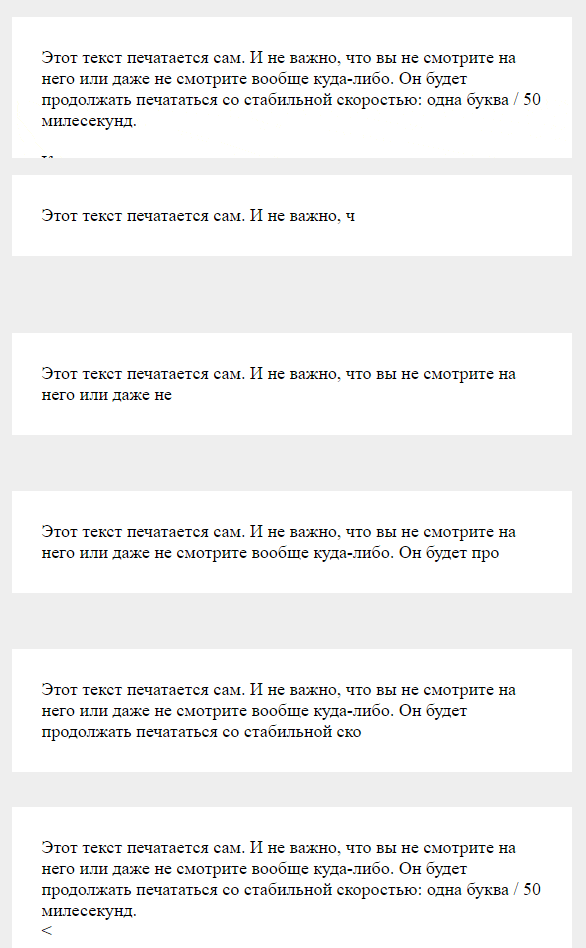
JavaScript typewriter effects: cycling post-title links and a standalone text-typing demo, with WordPress data integration.
Color Selection in WordPress: Iris Color Picker
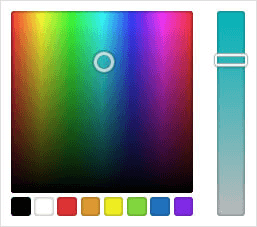
This article explains the usage of Iris Color Picker in WordPress for color selection in both the admin panel and frontend, along with the necessary steps and code...
Connecting jQuery from Google CDN with Auto-detection of Version

This article explains the correct way to connect jQuery in WordPress and the advantages of using Google CDN for jQuery.
Disabling the creation of copies of images in WordPress

By default, WordPress generates four sizes for each original image we upload and another 2 copies when a huge image is uploaded. Also, themes and plugins can create...
10 Ways to Customize RSS Feed in WordPress
The website's RSS feed (site feed) allows users to keep track of new content appearing on your blog. To do this, users subscribe to your blog through an RSS handler and...
Must-Use plugins in WordPress (mu-plugins)

Must-use plugins (mu-plugins) - mandatory plugins that are installed in a special /wp-content/mu-plugins folder. They are always active for the site and all sites of...
API Settings (Options)

This article explains the WordPress Options API, detailing how to register, add, and display option fields and sections in settings pages.
Tab Symbol (\t) in Textarea When Pressing TAB Key
Implementing the insertion of the tab symbol (\t) in a textarea when the TAB key is pressed, along with specifying tab width in CSS.